


Table of Contents
1. Understanding Productivity Planners
What is a productivity planner?
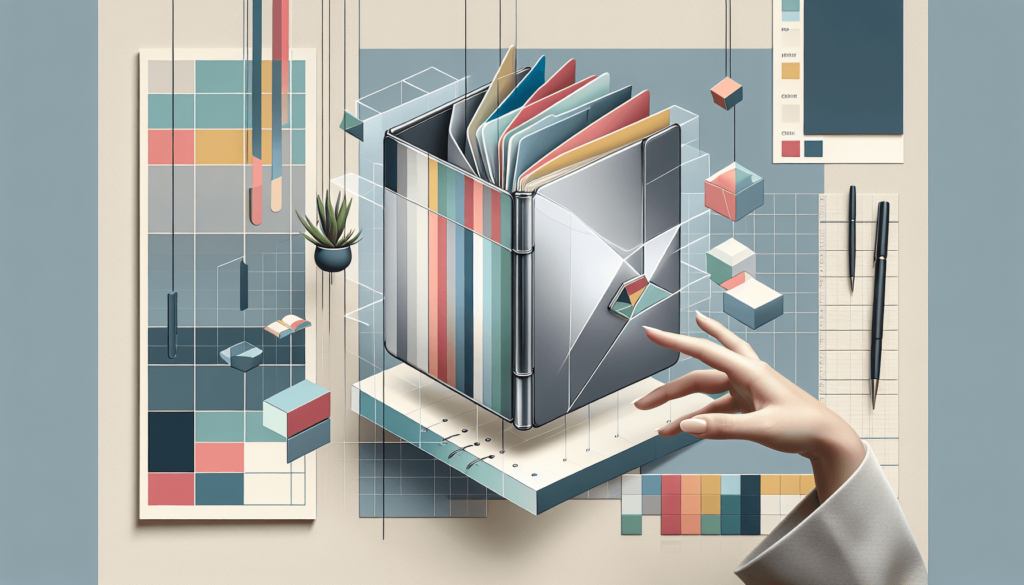
A productivity planner is designed to help you organize your time, tasks, and goals effectively. It’s like a personal assistant in paper or digital form, keeping you on track and focused on what matters most.
Benefits of using a productivity planner
- Improved time management
- Increased focus and concentration
- Better prioritization of tasks
- Reduced stress and overwhelm
- Enhanced goal achievement
- Greater sense of accomplishment
Different types of productivity planners
There are various types of planners out there, each with its unique approach:
- Daily planners: Focus on day-to-day tasks and schedules
- Weekly planners: Offer a broader view of your week
- Monthly planners: Great for long-term goal-setting
- Goal-oriented planners: Emphasize achieving specific objectives
- Bullet journals: Flexible, customizable planning systems
2. Assessing Your Personal Needs

Identifying your productivity goals
Before choosing a planner, knowing what you want to achieve is essential. Are you looking to:
- Manage your time better?
- Complete more tasks?
- Achieve long-term goals?
- Reduce stress?
Understanding your objectives will assist you in choosing the appropriate planner for you.
Evaluating your current planning habits
Take a look at how you currently plan your days. Do you:
- Use a digital calendar.
- Jot notes on random pieces of paper?
- Keep it all in your head?
Understanding your current habits can help you choose a planner that you’ll use.
Determining your preferred planning style
Some people love detailed, hour-by-hour planning, while others prefer a more relaxed approach. Think about what works best for you:
- Structured or flexible?
- Detailed or big-picture?
- Visual or text-based?
Your planning style should match your personality and work habits.
3. Key Features to Consider
Time management components
Look for planners that include:
- Hourly, daily, or weekly layouts
- Space for appointments and deadlines
- Time blocking sections
Task prioritization systems
Effective planners often include:
- To-do lists with priority markers
- Eisenhower matrix (urgent/essential quadrants)
- Top 3 tasks of the day
Goal-setting and tracking tools
Consider planners with:
- Monthly or quarterly goal sections
- Habit trackers
- Progress bars or charts
4. Digital vs. Paper Planners

Advantages of digital planners
- Easy to edit and update
- Syncs across devices
- Set reminders and notifications
- Search function for quick reference
Benefits of paper planners
- No battery or Wi-Fi is required
- Tactile experience can boost memory retention
- Less screen time
- Often more customizable
Hybrid options for the best of both worlds
Some planners offer a blend of digital and paper:
- Paper planners with companion apps;
- Digital planners that can be printed;
- Intelligent pens that digitize handwritten notes.
5. Popular Productivity Planner Brands
Overview of top-rated planners
Some well-known productivity planners include:
- Passion Planner
- Panda Planner
- Bullet Journal
- Full Focus Planner
- Productivity Planner by Intelligent Change
Comparing features and prices
When looking at different planners, consider:
- Layout and design
- Extra features (like goal-setting sections)
- Paper quality (for physical planners)
- Price point
- Subscription options (for digital planners)
User reviews and testimonials
“I’ve been using the Passion Planner for a year, and it’s completely changed how I manage my time. I feel so much more in control of my days!” – Sarah, 32
Reading real user experiences can give you valuable insights into a planner’s work.
6. Customization and Flexibility
Planners with adaptable layouts
Some planners offer:
- Undated pages for flexibility
- Removable or rearrangeable sections
- Different layout options within the same planner
Options for personalization
Look for planners that allow you to:
- Add your categories or sections
- Choose cover designs or colours
- Include personal touches like photos or quotes
Balancing structure and flexibility
The ideal planner should:
- Provide enough structure to keep you organized
- Allow room for spontaneity and changes
- Adapt to your changing needs over time
7. Integrating Your Planner into Daily Life

Establishing a planning routine
To make the most of your planner:
- Set aside time each day or week for planning
- Keep your planner visible and easily accessible
- Review and adjust your plans regularly
Syncing with other tools and calendars
Consider how your planner will work with:
- Digital calendars
- Task management apps
- Team collaboration tools
Overcoming common usage challenges
Some tips to stay consistent:
- Start small and build up your planning habit
- Be kind to yourself if you miss a day
- Adjust your system as needed – it’s okay to change things up!
Summary
Choosing the right productivity planner is a personal journey. By understanding your needs, considering key features, and striking the optimal balance between structure and flexibility, you can select a planner that genuinely helps you enhance your productivity and reach your goals.
FAQs
- How often should I update my productivity planner?
- It’s best to update your planner daily, but weekly reviews are also helpful for staying on track.
- Can I use multiple planners for different aspects of my life?
- Absolutely! Some people prefer separate planners for work and personal life, for example.
- What’s the best way to transition from one planner to another?
- Start using your new planner alongside the old one for a week or two, gradually shifting all your planning to the new system.
- How long does it typically take to see results from a productivity planner?
- Many people notice improvements within a few weeks but give yourself at least a month to adapt to a new planning system fully.
- Are there any downsides to using a productivity planner?
- Some people might feel stressed by too much structure. It’s essential to find a balance that works for you and remember that the planner is a tool to help you, not control you.
See Also : Top Productivity tools